
Custom Sections
Custom sections are first-class citizens. Drop a class anywhere on the autoloader, extend BladeSection, and FilamentCraft renders it in the editor and on published pages — the same pipeline the built-in sections use.
A minimal section
namespace App\Sections;

use FilamentCraft\Sections\BladeSection;
use FilamentCraft\Settings\Types\Image;
use FilamentCraft\Settings\Types\Text;
use FilamentCraft\Settings\Types\Textarea;

final class TestimonialSection extends BladeSection
{
    protected static string $view = 'sections.testimonial';

    public static function slug(): string
    {
        return 'testimonial';
    }

    public static function name(): string
    {
        return 'Testimonial';
    }

    public static function settings(): array
    {
        return [
            Textarea::make('quote')->label('Quote')->required(),
            Text::make('author')->label('Author')->required(),
            Image::make('avatar')->label('Avatar'),
        ];
    }

    public static function defaults(): array
    {
        return [
            'settings' => [
                'quote' => 'A useful quote about the product.',
                'author' => 'Customer Name',
            ],
            'blocks' => [],
        ];
    }
}
The matching Blade view (resources/views/sections/testimonial.blade.php) receives a $section data object:
<figure class="px-6 py-12 text-center">
    <blockquote class="text-2xl">{{ $section->settings->get('quote') }}</blockquote>
    <figcaption class="mt-4 text-sm text-gray-500">{{ $section->settings->get('author') }}</figcaption>
</figure>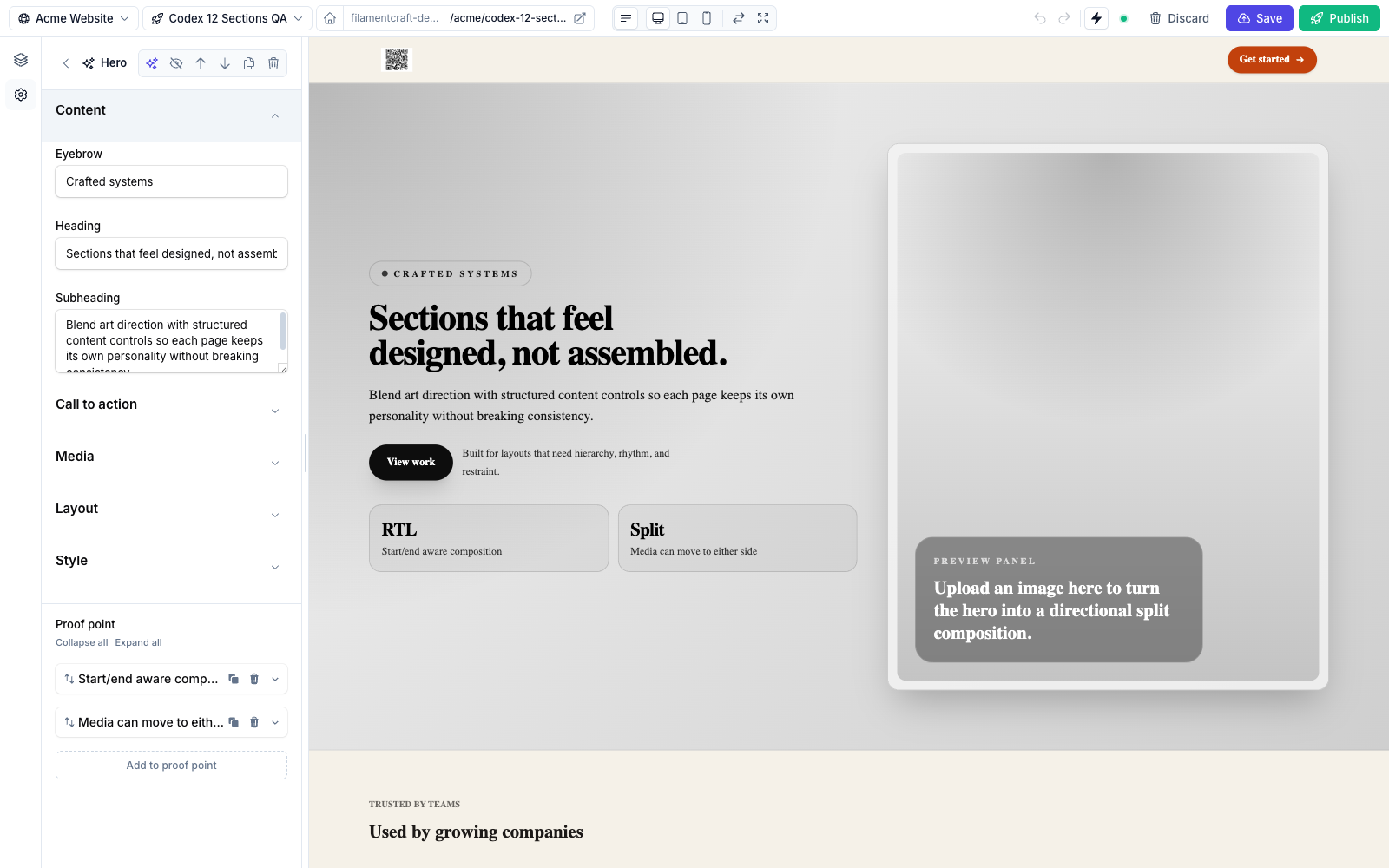
Scaffold it
php artisan make:filamentcraft-section Testimonial generates the class and Blade view (or a Livewire class with --livewire). See Make Commands.
The Section contract
BladeSection implements FilamentCraft\Sections\Contracts\Section via the SectionSchema trait, which supplies sensible defaults for everything except the view. Override only what you need:
| Method | Returns | Default | Purpose |
|---|---|---|---|
slug() | string | kebab of class name minus -section | Stable id stored in revisions. |
name() | string | headline of the slug | Display label in the catalog. |
category() | string | 'general' | Catalog grouping. |
description() | ?string | null | Sub-label in the catalog. |
icon() | string | heroicon-o-puzzle-piece | Catalog icon. |
maxBlocks() | int | 16 | Cap on total blocks across all block types. |
wrapper() | string | 'section' | The HTML tag/selector wrapping the rendered output. |
settings() | array | [] | The settings schema (see below). |
blocks() | array | [] | Repeatable child blocks. |
presets() | array | [] | Named starting points. |
enabledOn() | array | ['*'] | Template types the section is offered on. |
disabledOn() | array | [] | Template types to exclude. |
previewImageUrl() | ?string | null | Catalog thumbnail. |
defaults() | array | ['settings' => [], 'blocks' => []] | Initial content when added. |
slug(), name(), settings(), and defaults() are the ones you'll usually define.
Settings
settings() returns an array of setting types. It can mix the FilamentCraft DSL with raw Filament v4 components — the compiler wires live() on every leaf field so the preview keeps updating, and resolves visibility from either the DSL's visibleIf([...]) shortcut or Filament's native visible(Closure) callback.
use Filament\Forms\Components\Toggle;
use Filament\Schemas\Components\Utilities\Get;
use FilamentCraft\Settings\Types\Group;
use FilamentCraft\Settings\Types\Text;

public static function settings(): array
{
    return [
        Group::make('content')->label('Content'),
        Text::make('heading')->label('Heading')->default('Welcome'),

        Group::make('cta')->label('Call to action')->collapsed(),
        Toggle::make('cta_enabled')->label('Show button')->default(true),
        Text::make('cta_label')->label('Button label')
            ->visibleIf(['cta_enabled' => true]),                       // DSL shortcut
        Text::make('cta_note')->label('Note')
            ->visible(fn (Get $get): bool => (bool) $get('cta_enabled')), // native closure
    ];
}
Use Group to break a long form into labelled clusters — see Layout & Structure.
Blocks
A block is a repeatable child item (a nav link, a pricing plan, a quote). Declare them with Block::make('slug'), each with its own settings schema and an optional limit:
use FilamentCraft\Sections\Block;
use FilamentCraft\Settings\Types\Text;
use FilamentCraft\Settings\Types\Link;

public static function blocks(): array
{
    return [
        Block::make('nav-link')
            ->name('Nav link')
            ->limit(6)
            ->settings([
                Text::make('label')->label('Label')->default('Page'),
                Link::make('url')->label('URL')->default('/'),
            ]),
    ];
}
Read blocks in the Blade view from $section->blocks. The maxBlocks() cap (default 16) limits the total number of blocks added to one section instance, across every block type.
Presets
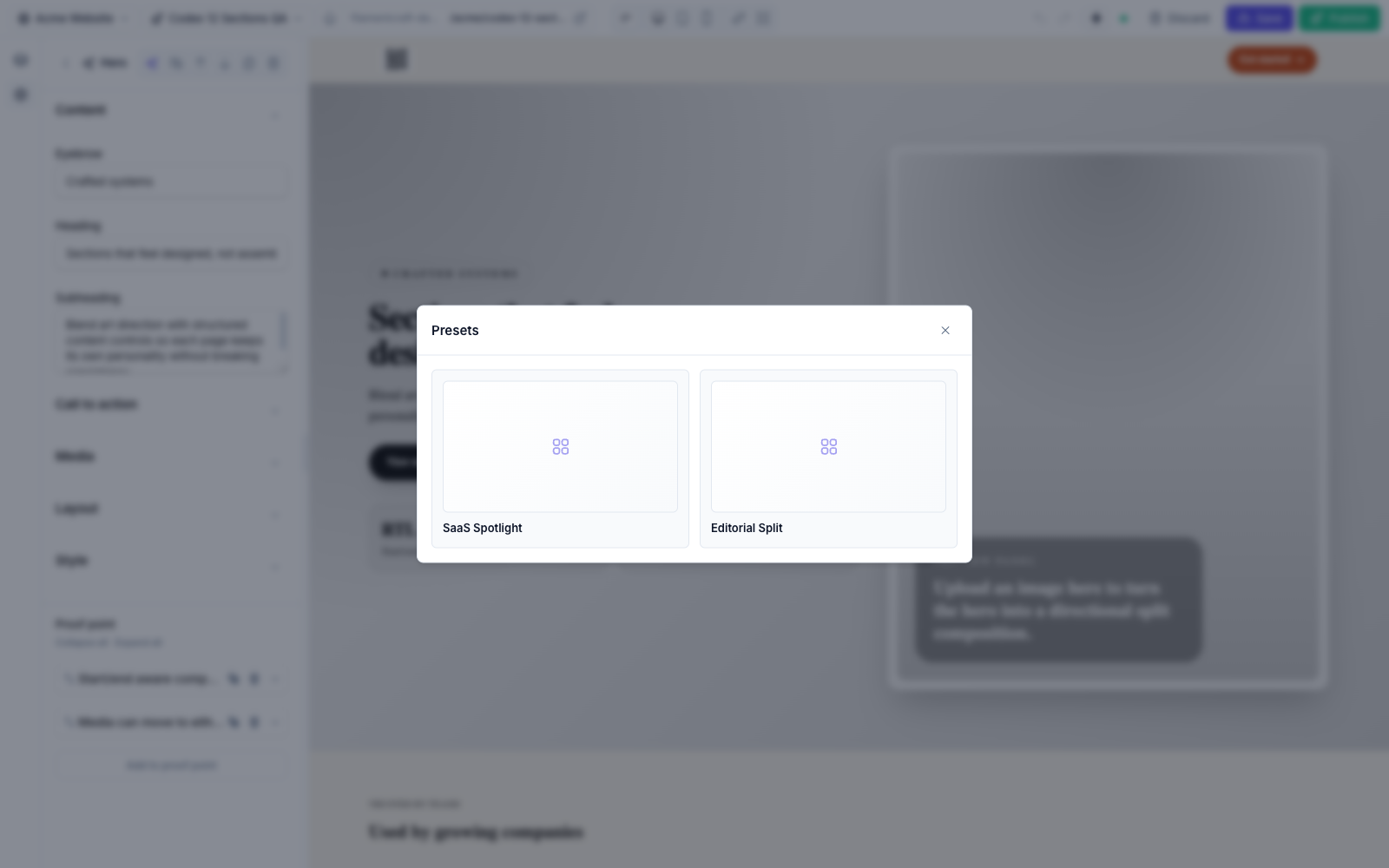
A preset is a named bundle of settings and blocks the editor can apply in one click. Return Preset objects from presets():
use FilamentCraft\Sections\Preset;

public static function presets(): array
{
    return [
        Preset::make('split-header', 'Split Header')
            ->settings([
                'brand_text' => 'Acme',
                'cta_enabled' => true,
            ])
            ->blocks([
                ['id' => 'nav-1', 'type' => 'nav-link', 'settings' => ['label' => 'Product', 'url' => '/product']],
                ['id' => 'nav-2', 'type' => 'nav-link', 'settings' => ['label' => 'Pricing', 'url' => '/pricing']],
            ]),
    ];
}
In the editor, presets surface behind the Browse presets button on the section's header — each one is a one-click starting point.
Registering a section
Two ways — both are calls on the plugin instance in your panel provider:
use FilamentCraft\FilamentCraftPlugin;

public function panel(Panel $panel): Panel
{
    return $panel->plugin(
        FilamentCraftPlugin::make()
            ->registerSection(\App\Sections\TestimonialSection::class)
            // …or auto-discover a whole directory:
            ->discoverSectionsIn(app_path('Sections'))
    );
}
The conventional path app/Sections/ is auto-scanned with no extra config.
Extending a built-in section
The bundled sections are intentionally subclassable. Give the subclass its own slug, optionally point it at a custom view, and override only what you want to change:
namespace App\Sections;

use FilamentCraft\Sections\Builtin\HeroSection;

class ProductHeroSection extends HeroSection
{
    protected static string $view = 'sections.product-hero';

    public static function slug(): string
    {
        return 'product-hero';
    }

    public static function name(): string
    {
        return 'Product hero';
    }
}
Register the subclass with ->registerSection(ProductHeroSection::class). It inherits the parent's settings, blocks, and presets unless you override those methods too.
Related
- Built-in Sections — the 12 shipped sections and their settings.
- Setting Types — every input you can put in
settings(). - Curating the Catalog — control which sections appear.
- Testing Sections — the
SectionDataFactoryfor Pest tests.