
The Editor
The editor is a three-column workspace: a left rail with the section catalog and the page's sections, a center iframe preview, and a right settings panel. Pinned at the top and bottom of the rail are edit entries for the site-wide regions — header above the page sections, footer below — which open the same editor scoped to that region.
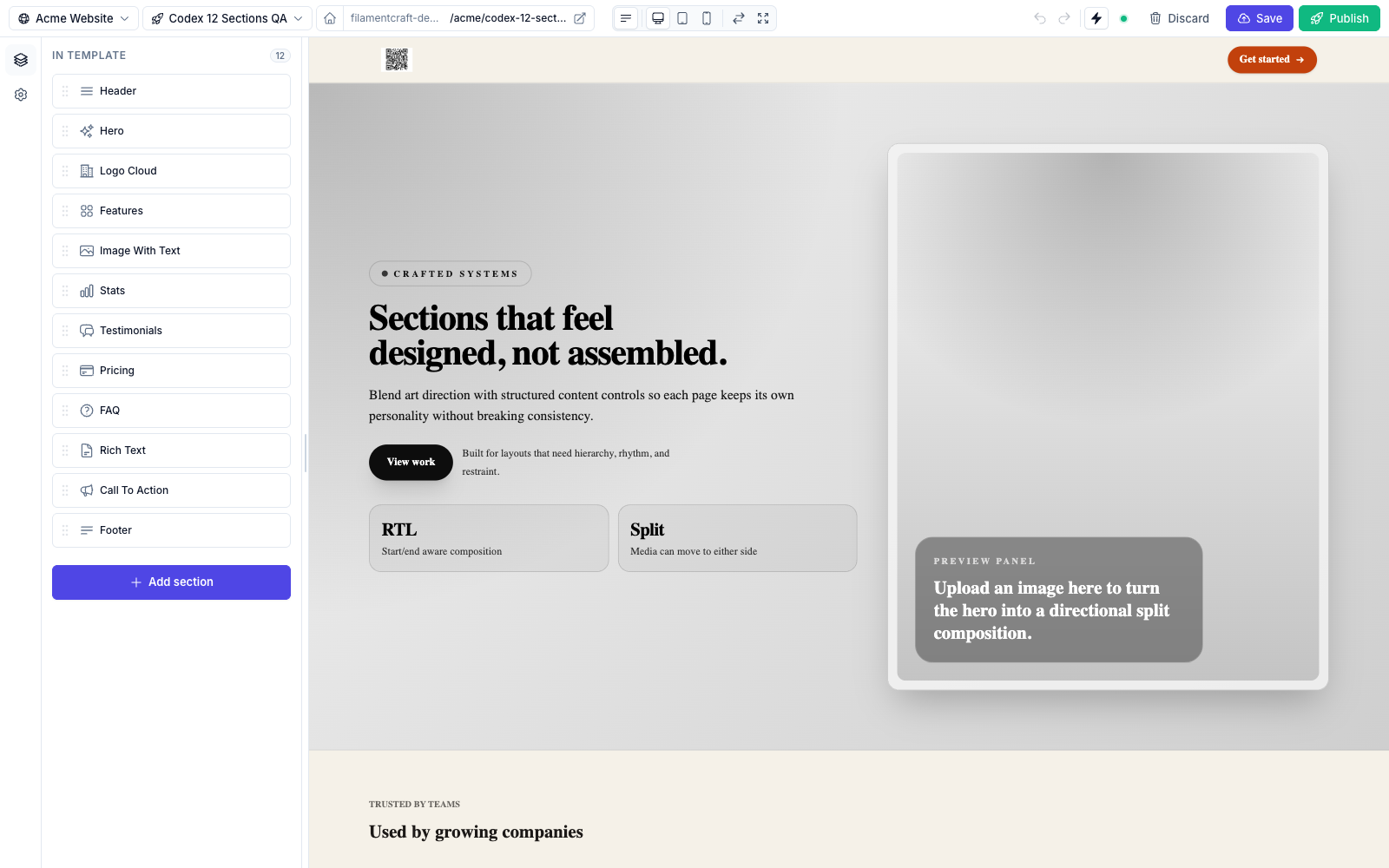
Topbar

- Page / Site dropdowns — switch templates of the current site, or jump to a sibling site (multi-locale setups).
- URL pill — shows the live URL of the current page; click-through opens it in a new tab. The home icon on the left toggles "set as homepage."
- Device switcher — desktop / tablet / mobile widths. Mobile and tablet render the preview inside a device frame:
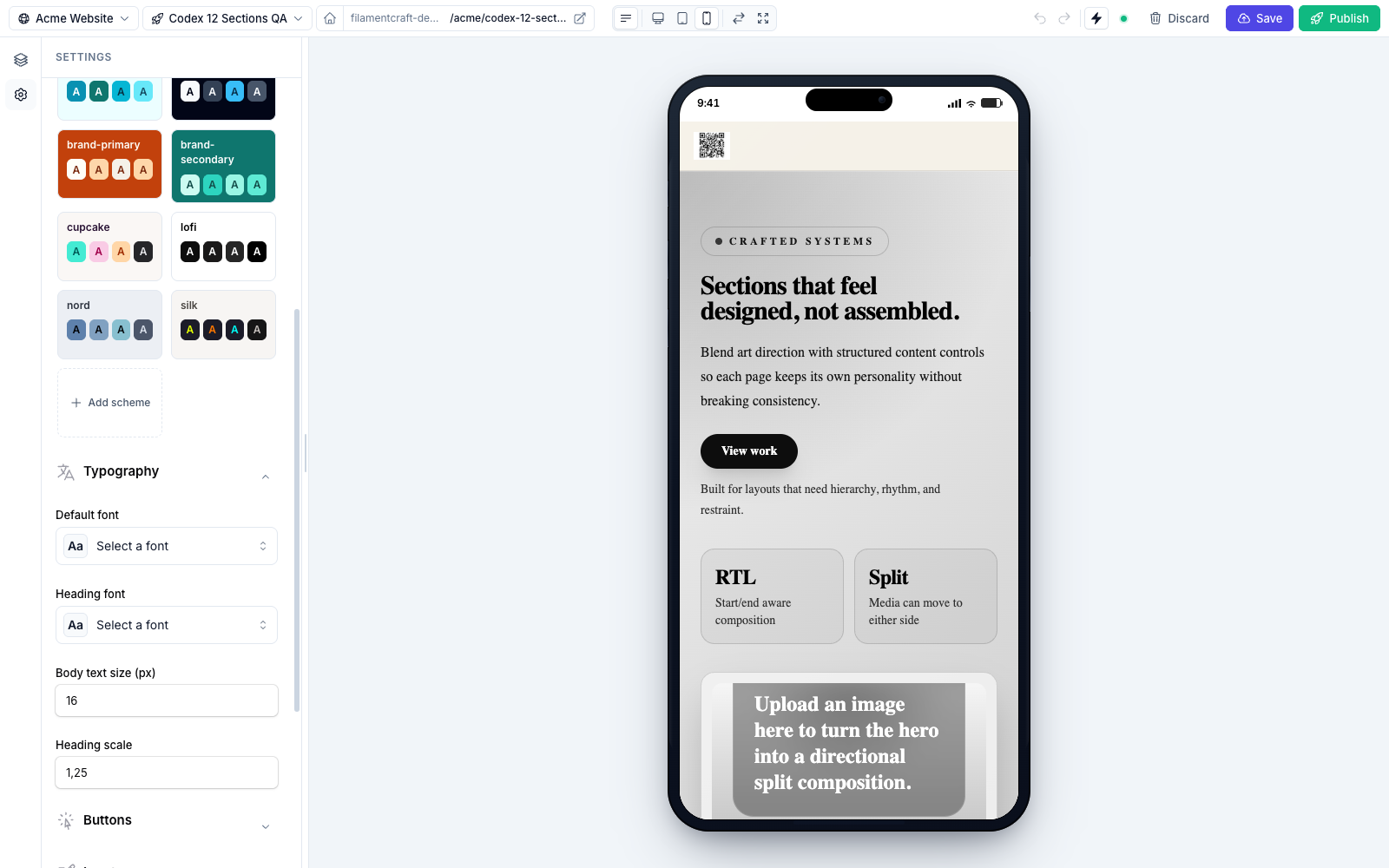
- Focus mode — collapses both rails to maximize the canvas.
- Save / Publish / Discard — Save writes a draft revision; Publish promotes it to public; Discard rolls back to the published state.
- Undo / Redo — 50-step ring buffer per template, persisted across reloads so a refresh doesn't lose your last 10 minutes.
Live preview behaviour
- Section-level refresh from the server's draft state — no full reload.
- Debounced settings so typing doesn't fire a round-trip per keystroke.
- Autosave-to-draft every keystroke.
- Undo / redo with a 50-step ring buffer.
See Theme Authoring §9 for how setting changes patch the iframe.
Next steps
- Regions: Header & Footer — the pinned site-wide section groups and how to configure which ones exist.
- Editor Internals — the post-message bus, auto-scroll dedupe, the morph-safe sidebar resize, and where the editor's
.tscode lives.