
Sections
Sections are the reusable building blocks that make up a page — Hero, Features, Pricing, and so on. A page (template) is an ordered list of section instances, each with its own settings, blocks, and color scheme.
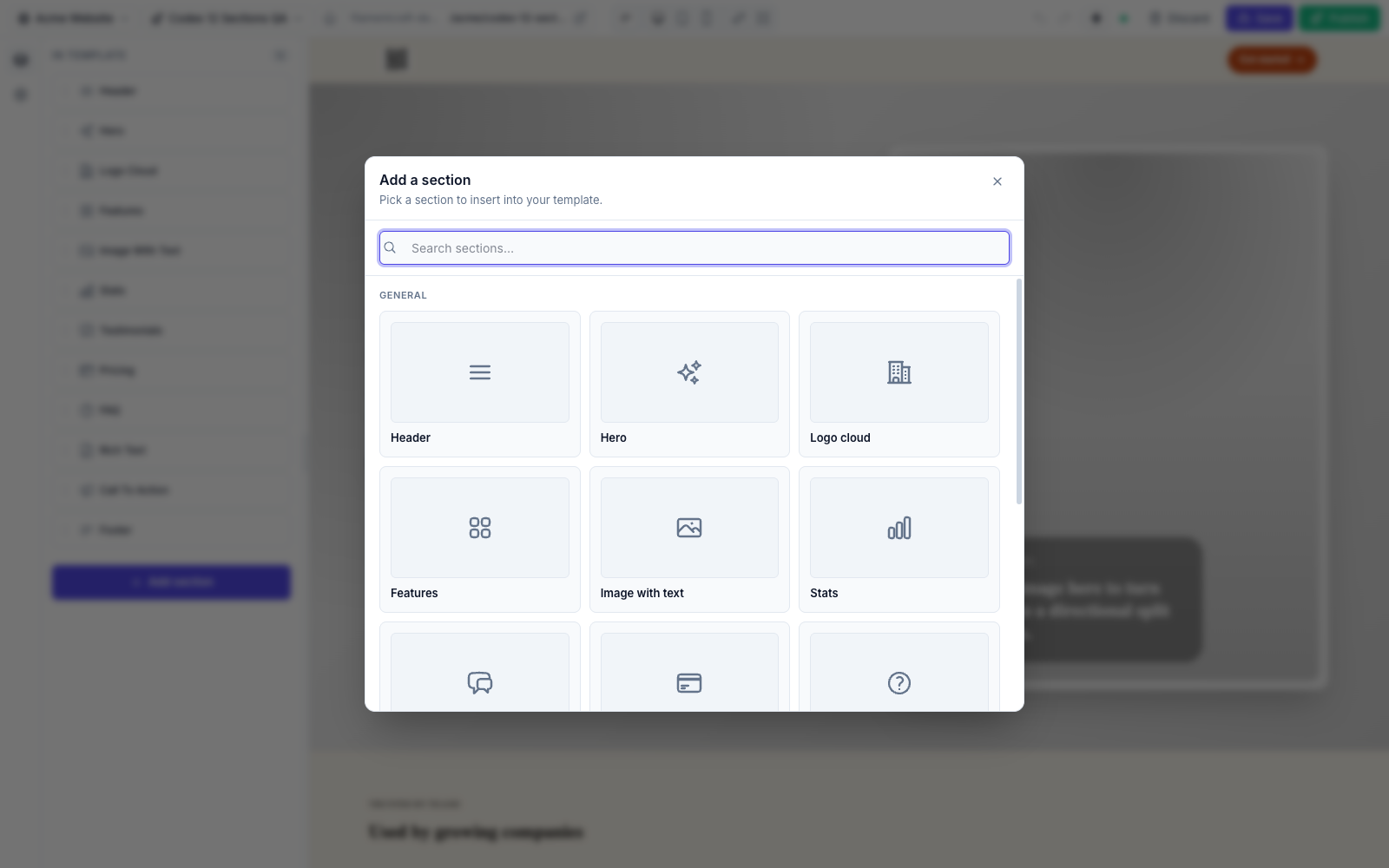
FilamentCraft ships 12 built-in sections and treats custom sections as a first-class citizen: a single PHP class plus a Blade view is all it takes to add your own.
Start here
| Page | What it covers |
|---|---|
| Built-in Sections | All 12 shipped sections — their settings, blocks, and presets. |
| Custom Sections | Author your own section, mix DSL + Filament components, add blocks and presets. |
| Curating the Catalog | Control which section types appear in the Add Section picker. |
| Setting Types | Every input you can put in a section's settings(). |
Anatomy of a section
- Settings — the controls shown in the section's panel, declared in a static
settings()method. See Setting Types. - Blocks — repeatable child items (nav links, pricing plans, quotes) with their own settings and an optional limit. See Custom Sections → Blocks.
- Presets — named, one-click starting points bundling settings + blocks. See Custom Sections → Presets.
- A Blade (or Livewire) view — renders the resolved data on the page.
A custom section in 30 seconds
namespace App\Sections;

use FilamentCraft\Sections\BladeSection;
use FilamentCraft\Settings\Types\Text;
use FilamentCraft\Settings\Types\Textarea;

final class TestimonialSection extends BladeSection
{
    protected static string $view = 'sections.testimonial';

    public static function slug(): string { return 'testimonial'; }
    public static function name(): string { return 'Testimonial'; }

    public static function settings(): array
    {
        return [
            Textarea::make('quote')->label('Quote')->required(),
            Text::make('author')->label('Author')->required(),
        ];
    }

    public static function defaults(): array
    {
        return ['settings' => ['author' => 'Customer Name'], 'blocks' => []];
    }
}
Register it with ->registerSection(\App\Sections\TestimonialSection::class) or drop it in app/Sections/ for auto-discovery. The full walkthrough — the contract, blocks, presets, and extending a built-in — is in Custom Sections.
Scaffold it
php artisan make:filamentcraft-section Testimonial generates the class and Blade view (add --livewire for a Livewire section). See Make Commands.